Last Updated on September 2, 2025 by Dee
If you’ve ever wondered “What do I do after I’ve traced something in Procreate?” — you’re in the right place! 🌸
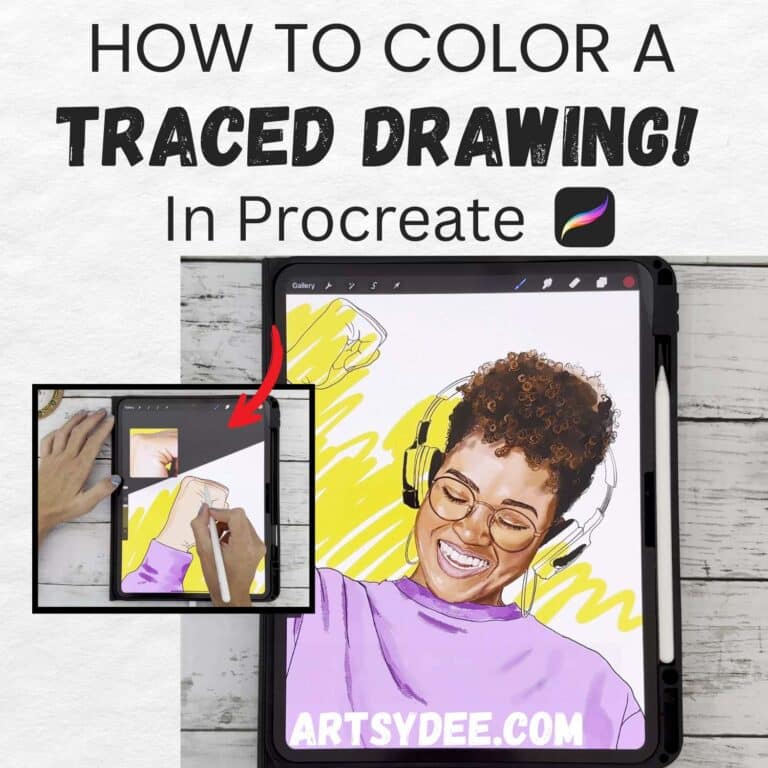
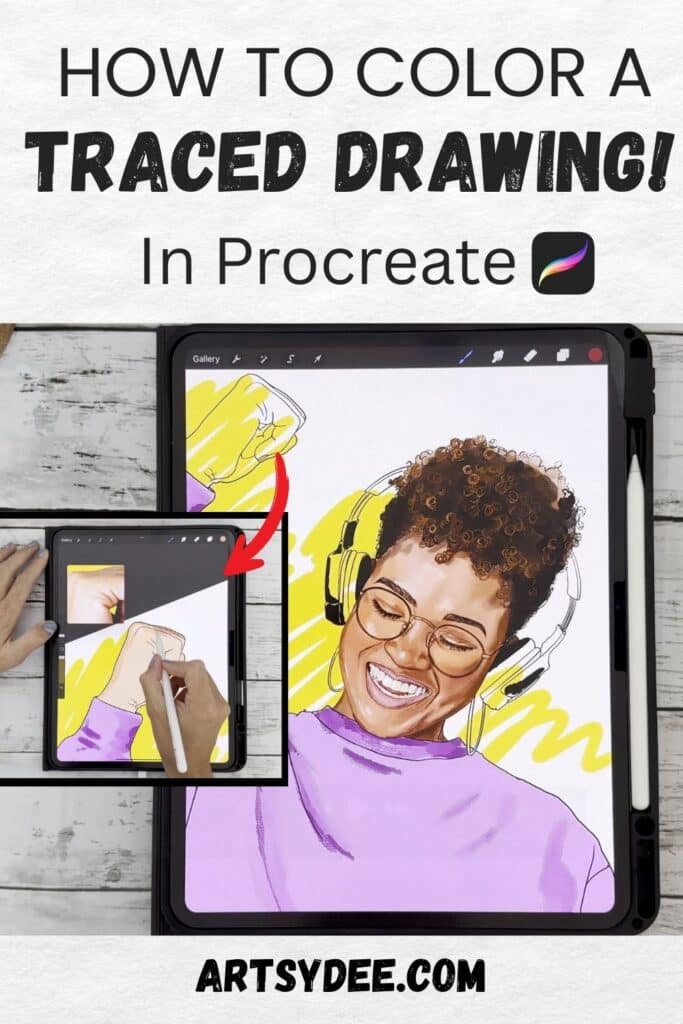
In this tutorial, I’ll show you exactly how I colored a traced outline of a woman with headphones in Procreate. This is a great beginner-friendly guide for “How to color a traced drawing in Procreate” if you’ve just finished tracing your artwork and want to bring it to life with beautiful color, shading, and painterly details.
👉 Watch the full video here:
How to Color a Traced Drawing in Procreate and Why!
Tracing in Procreate is a fantastic way to get clean outlines of your sketches, photos, or reference images. But the magic really happens when you add color! By layering flat tones, shading, and painterly brushwork, you can turn a simple outline into a vibrant illustration.
Whether you’re drawing portraits, stickers, or digital art for your journal, coloring traced drawings is an easy way to practice digital painting and improve your Procreate skills.
Step 1: Block in Your Base Color
I started by creating a new layer underneath the line art and filling in a mid-tone base color for each section of the drawing. Blocking in flat shapes first makes it easier to build up shading later.
💡 Tip: Duplicate your outline layer and move it to the top of your layers stack. That way, you can always see the edges clearly while you paint.
Step 2: Pick Tones from Your Reference Photo
Using the eyedropper tool, I picked colors directly from my reference image. This helped me choose realistic skin tones, rosy cheeks, and the perfect shades for the hair and headphones.
Step 3: Keep Elements on Separate Layers
Each element — like the hair, skin, and clothing — went on its own layer. This makes editing easier, especially if you want to change colors or add effects later.
Step 4: Add Shading and Painterly Effects
I used some of my favorite Procreate brushes to layer in painterly strokes. Starting with darker tones, I added depth and shape. Then I built up lighter highlights to bring dimension and life to the piece.
Step 5: Finishing Details
Finally, I zoomed in to add subtle shading and small details like highlights in the eyes and soft texture in the hair. These finishing touches make the drawing feel polished and complete.
Tools & Resources I Used
- ✨ Free Procreate Color Palettes
- 🖌️ Procreate Brushes & Templates
- 🎥 Tracing Tutorial in Procreate (Video)
Try It Yourself!
Now it’s your turn to take a traced outline and bring it to life with color. Start by blocking in flat tones, experiment with layers, and don’t be afraid to play with painterly brushes for texture.
👉 Watch the full breakdown in my video here: How I Colored My Traced Drawing in Procreate
And if you’re looking for ready-made tools to speed up your workflow, check out my free color palettes and brush collections linked above.
Happy creating,
Dee 🌸