
Last Updated on July 18, 2026 by Dee
Want to create beautiful watercolor art in Procreate — without having to draw from scratch? In this tutorial, I’ll show you exactly how to use watercolor templates in Procreate to paint a soft, layered digital artwork using brushes that mimic real watercolor.
Quick answer: To use a watercolour template in Procreate, import it onto its own layer and lower the opacity so it acts as a guide. Then paint on new layers above it with soft, textured watercolour brushes, and hide or delete the template layer once your artwork is done.
🌻 Freebie Download: Watercolor Template + Paper Texture
📺 Watch the video tutorial below to follow along:
Now that you’ve imported the free template and paper texture, there are new watercolour sets to paint digitally every month over on Patreon.
See the monthly sets →Love These Templates? Get Even More Exclusive Creative Goodies on My Patreon! 🎨
If you’re enjoying these free printables, why not join my Artsydee Patreon community? As a member, you’ll gain access to exclusive Procreate tutorials, watercolor lessons, and tons of printables like this one—delivered to you monthly (and sometimes even twice a month!). Plus, you’ll get sneak peeks at upcoming projects and have a say in what content I create next. ✨
Join today and unlock premium resources to take your creativity to the next level!
👉Join Artsydee’s Patreon Here!
✨ What Is a Watercolor Template?
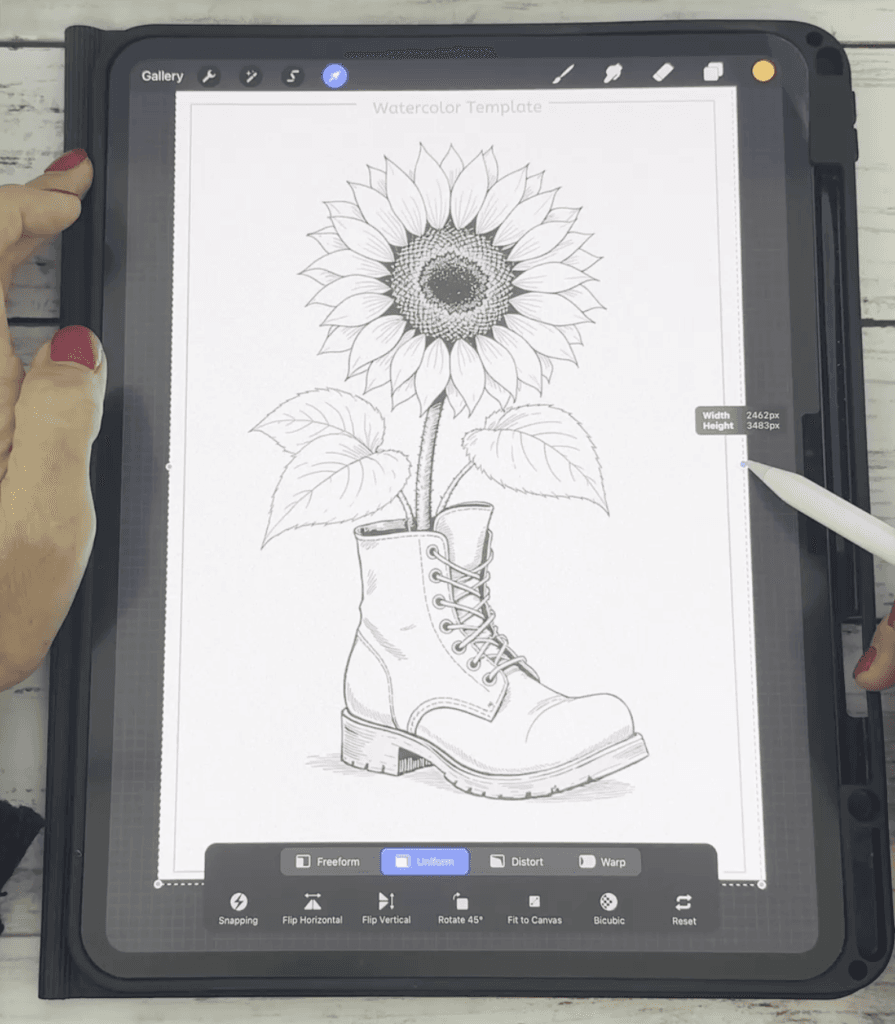
A watercolor template is a ready-made outline or sketch (usually in PNG format) that you can import into Procreate and paint over. These are perfect if you:
- Want to skip the sketching stage
- Prefer focusing on color and brushwork
- Need a quick way to create beautiful artwork for journaling, printing, or digital products
Many of the templates I offer are designed to be used both digitally in Procreate and for traditional painting (just print them onto watercolor paper!).
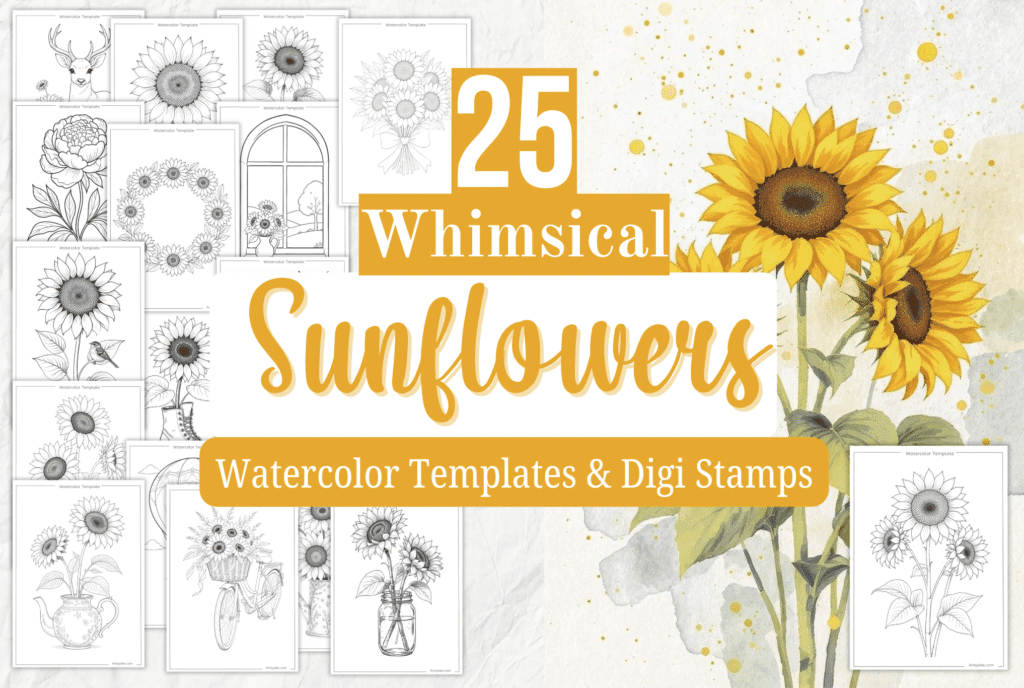
You can check out the full set and others in my shop here
🖌️ Step-by-Step: How to Use a Watercolor Template in Procreate
Here’s a quick overview of how to get started:
1. Import Your Template
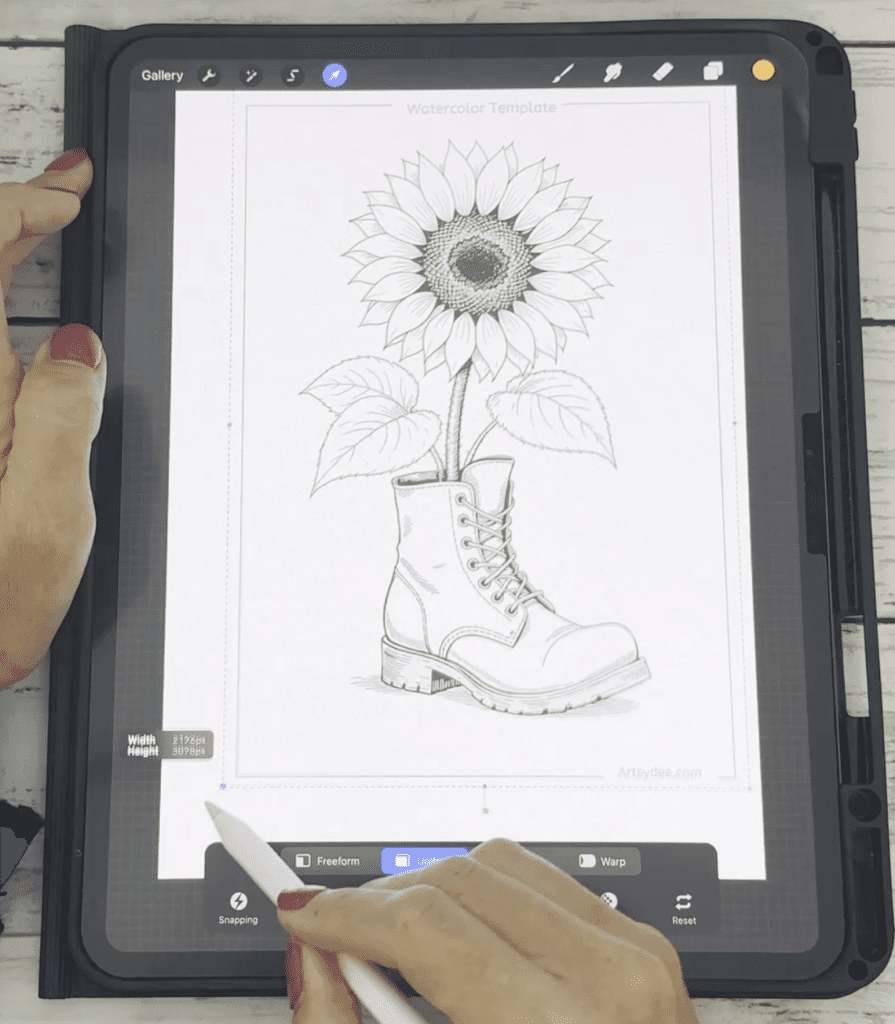
- Tap the “+” icon in your gallery to open a new canvas
- Choose “Insert a Photo” to bring in your PNG template
- Resize and center the image
2. Set the Template as a Reference (Optional)
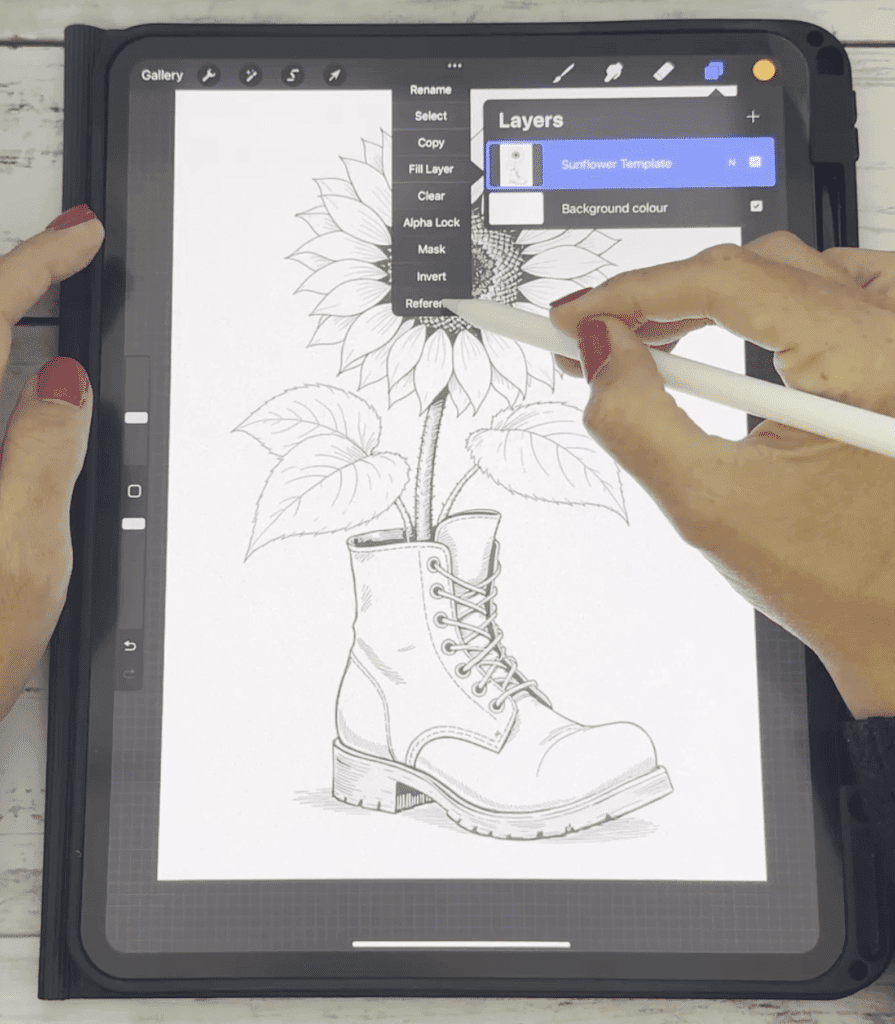
- Tap the layer thumbnail
- Turn on “Reference” — this allows you to color on a new layer while using the template as a guide.
3. Add a New Layer
- Always paint on a layer above or below your template layer
- Lock the template layer to avoid accidental edits
4. Start Painting

Use soft watercolor brushes that mimic wet edges, textured flow, and color variation. I recommend trying out my Procreate watercolor brush set — the same one I use in the video.
🧠 Want to add texture? Check out my Watercolor Texture Overlays for Procreate.
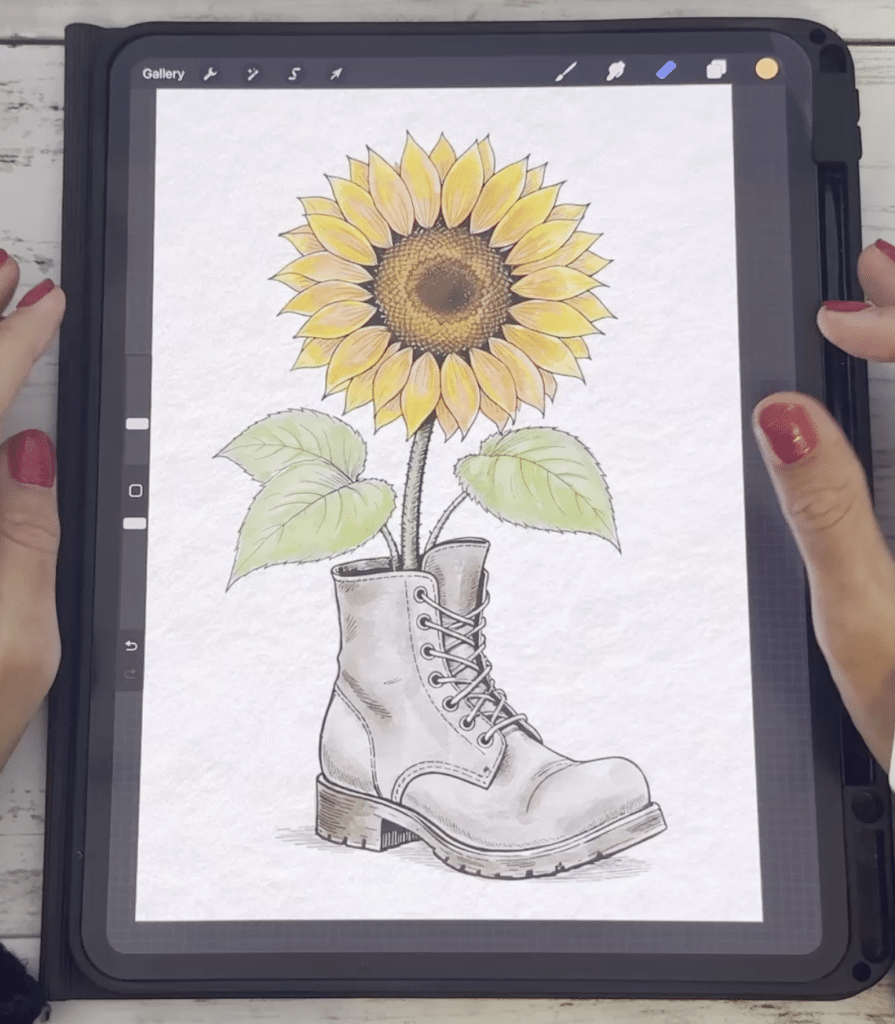
💡 Pro Tip: Use Alpha Lock for Details
Once your base colors are in, turn on Alpha Lock to add shading and highlights without painting outside the lines. Learn how here:
👉 How to Use Alpha Lock in Procreate
🔁 Can You Use These Templates for Traditional Watercolor?
Yes! You can print the templates directly onto 300gsm watercolor paper using a light ink setting, then paint over them with real watercolors. They’re designed to be flexible and creative — use them in your art journals, sketchbooks, or handmade cards!
Pin this for later!
🤔 Common Questions Answered
Can I use a coloring page in Procreate like this?
Absolutely! Most coloring pages work the same way. You can learn how in this step-by-step guide:
👉 How to Use a Coloring Page on Procreate
What canvas size should I use for watercolor in Procreate?
I recommend 3000 x 4000px at 300 DPI for printable artwork. This keeps the resolution crisp and allows for texture and detail.
Which brushes are best for watercolor in Procreate?
Look for soft-edged, textured brushes with opacity variation. My own set includes realistic flow, bleeds, edge darkening, and splash effects. Explore more tips here:
👉 Watercolor in Procreate – How to Get the Real Look
How do I taper my brush strokes for fine detail?
If you’re painting stems or delicate details, learn how to adjust taper settings in this quick guide:
👉 How to Taper a Brush in Procreate
🌿 Wrap Up
Using templates is a fantastic way to explore watercolor art in Procreate — even if you’re new to digital painting. Whether you’re creating greeting cards, journaling, or building a printable portfolio, templates give you a head start and help you focus on creativity over perfection.
👉 Grab the free sunflower watercolor template & texture overlay now and try it for yourself!
Then tag me @artsydee on Instagram or YouTube — I’d love to see what you create 💛
One template is enough to learn the workflow — a library is what keeps you painting. My premium watercolour reference sets on Patreon come with colour-recipe cards, and they work just as well imported into Procreate as they do printed on paper.
Browse the reference sets →Watercolour Templates in Procreate: FAQ
How do you use a watercolour template in Procreate?
Import the template onto its own layer and lower its opacity so it acts as a guide. Then paint on new layers above it using soft, textured watercolour brushes, and hide or delete the template layer once your artwork is finished. That’s the whole workflow — nothing is drawn from scratch.
What’s in the free download for this tutorial?
The free download includes a watercolour template plus a paper texture file, which are the two pieces you need to follow along with this tutorial. The paper texture is what stops digital watercolour looking flat — it gives your painting the tooth of real watercolour paper.
How do I stop the template outline showing in my finished painting?
Keep the template on its own separate layer the entire time and never paint directly on it. When your painting is done, simply toggle that layer off or delete it, and only your painted layers remain. This is why lowering the opacity rather than tracing over it matters.
Can I use the same templates for traditional watercolour on paper?
Yes. The same templates print beautifully — you print the outline, trace it onto watercolour paper, and paint it with real paint instead. Being able to work either way is the main reason these templates are worth keeping once you’ve downloaded them.
Do I need to be able to draw to paint watercolour in Procreate?
No. The template supplies the drawing, so all you’re doing is choosing colours and laying down washes. That makes this a genuinely good starting point if you love the look of watercolour but freeze when faced with a blank canvas.
Where can I get more watercolour templates to paint in Procreate?
New premium watercolour reference sets go out to my Patreon members each month, and they come with colour-recipe cards so you know exactly which colours to reach for. They import into Procreate the same way the free template in this tutorial does.