Last Updated on October 31, 2026 by Dee
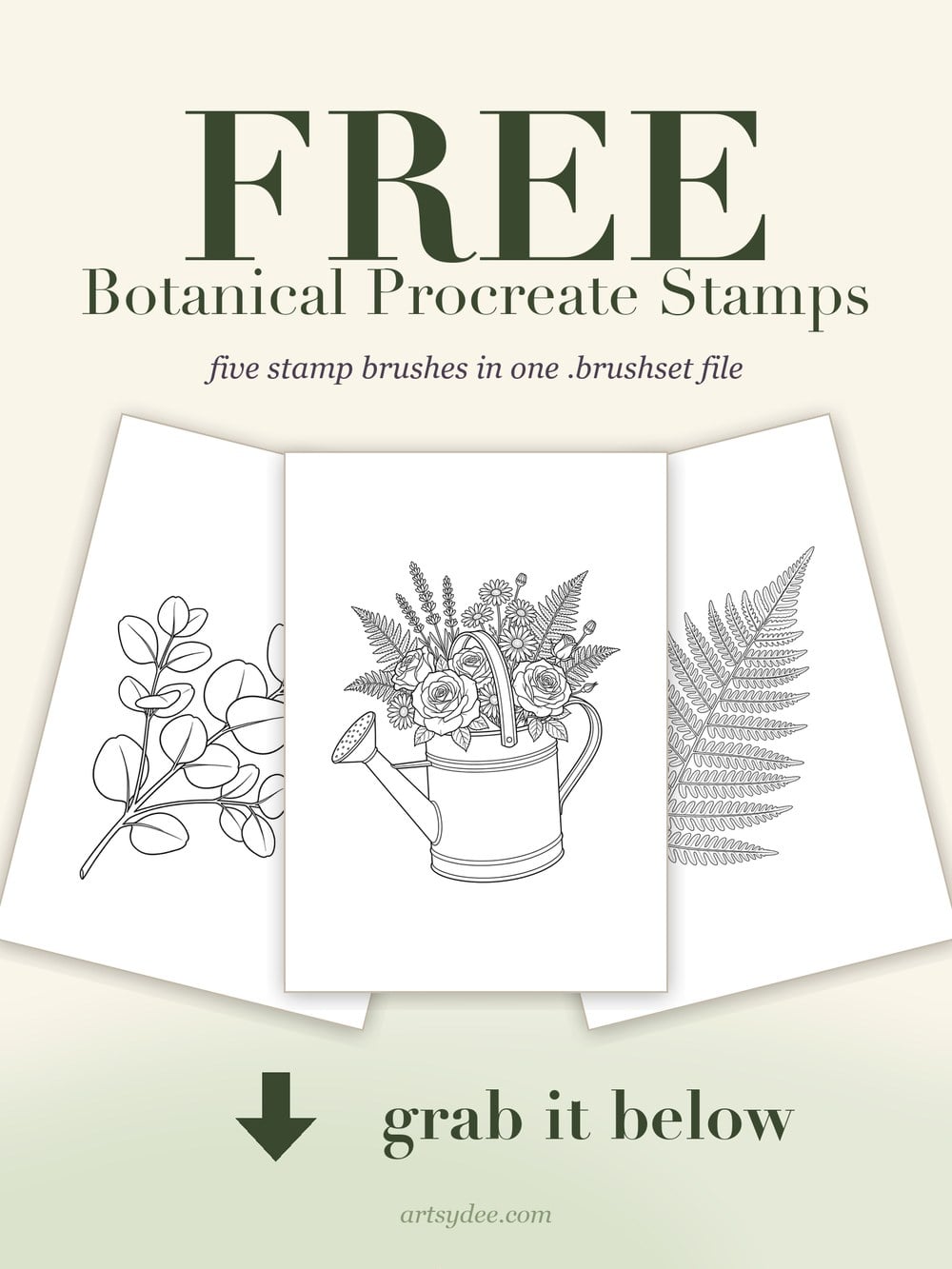
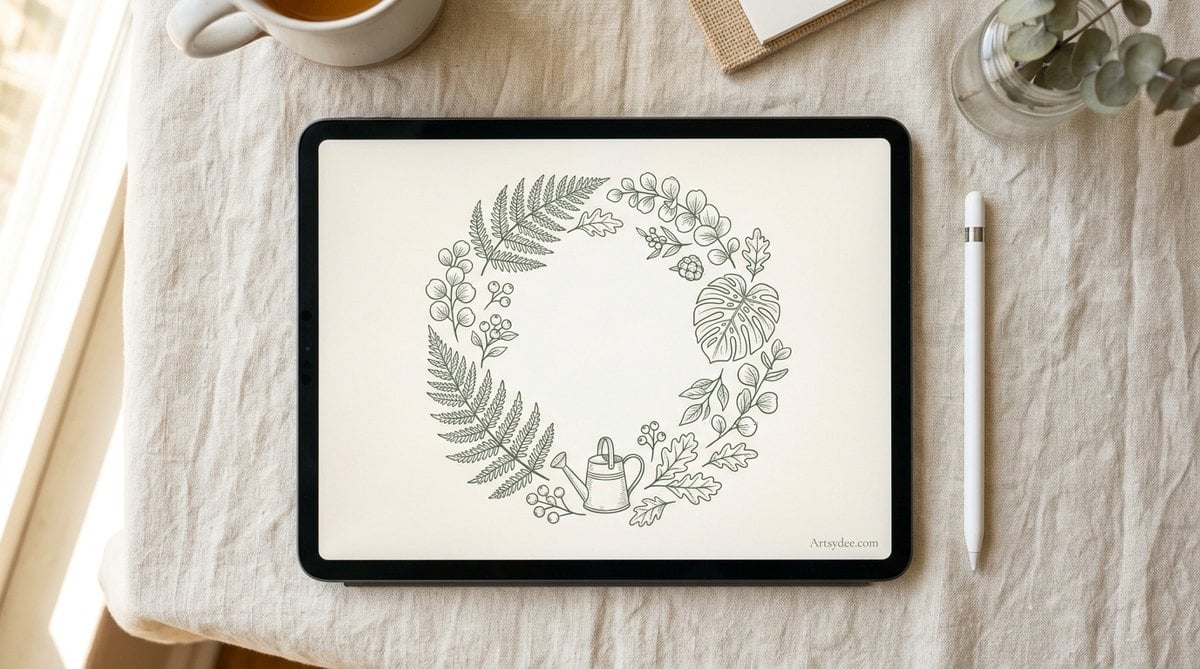
Here are 47 free Procreate brush and stamp sets worth installing, sorted by job, plus my own free brushset of five botanical stamps to download.
If you have ever gone looking for procreate brushes free of charge and come back with a folder of dead links, broken downloads and three sets that turned out to cost nine dollars, you are not imagining it. Most of the roundups out there were written years ago and never checked again.
So I checked. Every single set on this page was opened, loaded and confirmed live before it went in — 47 free brush and stamp sets from real artists, sorted by what you would actually use them for. I have also made you a free stamp brushset of my own: five botanical stamps pulled straight out of my paid Secret Greenhouse collection. Pop your email into the box at the top of this post and it will be in your inbox in a minute or two.
Table of Contents
What makes a free Procreate brush set actually worth installing?
A free brush set earns its place in your library when it does something Procreate’s defaults cannot, and when it still behaves properly at the size you paint at. That is a lower bar than it sounds, and a lot of free sets fail it.
Here is what I look for before a set goes anywhere near my iPad. First, does it have real texture data behind it — a scanned grain, a photographed surface, a hand-drawn shape — or is it a default brush with the opacity nudged down? Second, does it hold up when you scale it? Plenty of free stamps look crisp in the preview and turn to mush the moment you size them past about 40%. Third, is the licence clear? If you plan to sell anything you make, you need to know whether commercial use is allowed, and a surprising number of free sets simply do not say.
The last thing I check is whether the set is small enough to live with. A pack of 90 brushes sounds generous, but if you only ever reach for four of them it is 86 rows of clutter between you and the brush you want. Some of the best sets on this list have three brushes in them.
One honest warning before you start clicking. Almost every free Procreate brush set on the internet asks for an email address. Gumroad collects one at checkout even when the price is zero, and PixelBuddha, Bardot Brush, True Grit and Ian Barnard all gate their downloads behind a signup. I have flagged which is which in the tables below so nothing takes you by surprise, but if you were hoping for a list of no-email-required downloads, that list is almost empty — and anyone telling you otherwise has not clicked their own links.
Which free Procreate brushes should you download first?
Start with a general sketching set, one texture or grain set, and one set for whatever you actually make most — watercolour, lettering, comics or stamps. Three downloads will change your library more than thirty will.
Below are all 47 free sets, grouped by job. Every link was checked on the day this went live and every one returned a working page. Where a set requires an email to download, it says so.
Sketching and pencil brushes
| Set | By | Size | Best for |
|---|---|---|---|
| Starter Brush Pack | Olguioo | 12 brushes | An all-round starter set built from the artist’s own scanned textures — the one to grab if you only grab one. |
| Starter Brush Pack Vol.3 | Olguioo | 16 brushes | Textural sketching and shading, sourced from photos, scans and Blender renders. |
| Pencil Procreate Brushes | PixelBuddha | 24 brushes | Pencils plus shading and texturing tools — a proper graphite drawer in one download. |
| Sketch and Lineart Pack | Snowfredel | 12 brushes | Character sketching, outlining and fine detail, with SAI-flavoured grain crayons. |
| My Basic Brush Set | RAM Studios Comics | 34 brushes | Comic workflow basics. Honest note: these are tweaked Procreate defaults rather than brand-new brushes. |
| Ballpoint Pen | Sadie Lew | 1 brush | Realistic ballpoint sketching that builds darks through pressure and hatching, exactly like the real thing. |
| Jingsketch Basic 10 | Jingsketch | 10 brushes | A well-made general-purpose starter kit from a popular Procreate teacher. |
Inking, lineart and comic brushes
| Set | By | Size | Best for |
|---|---|---|---|
| Comic Ink Set: Inking and SFX | Georg von Wolfe | 20+ brushes | Comic inking and sound-effect marks, made as a Will Elder tribute set. |
| Comic Inking Set | Robert Marzullo | 40 brushes | Comic inking with cross-hatching brushes, and a video tutorial to go with them. |
| Liner Procreate Brushes | PixelBuddha | Not stated | Clean decorative line work for borders, frames and flourishes. |
| Manga Brush Pack | Attki | 10 brushes | Vintage manga feel: bold ink lines, aged paper and imperfect print texture. |
| Grim Shader Brushes | PixelBuddha | 10 brushes | Moody shading and dark rendering for atmospheric pieces. |
Watercolour brushes
| Set | By | Size | Best for |
|---|---|---|---|
| 30 Realistic Watercolor Brushes | DI Brushes | 30 brushes | The most complete free watercolour kit on this list: liners, washes, wet edges and canvas textures. |
| Neptune Watercolor Brushes | DI Brushes | 22 brushes | Atmospheric washes, with 17 painting brushes plus blenders. |
| Realistic Siren Watercolor Brushes | DI Brushes | 15 brushes plus 5 sketches | Lifelike watercolour with ready-made sketches to paint into, so you can start straight away. |
| Watercolor Brushes | CrayonArcade | 4 brushes | A tight, fast-working quartet pulled from the paid Complete Collection. |
| The Watercolor Experience Mini Set | Ittai Manero | 3 brushes plus a canvas | A small taster — good for trying digital watercolour before you commit to anything. |
| Aurora Watercolor Brushes | PixelBuddha | Not stated | Soft pastel washes in gentle, nude shades. |
| Watercolor Wonder sample | Bardot Brush | 3 brushes plus a textured canvas | A sampler from a 50-brush premium set, and genuinely high quality. |
| Splash Vol. 1: Wet Media | Matthew Baldwin | 48 brushes | Wet media and watercolour effects that go well beyond Procreate’s defaults. |
Texture and grain brushes
| Set | By | Size | Best for |
|---|---|---|---|
| Grain Procreate Brushes | PixelBuddha | 12 brushes | General grain and tooth for taking the plastic shine off flat digital colour. |
| 26 Grain and Texture Brushes | Free Procreate Club | 26 brushes | Grain, speckle and dust built from seamlessly tileable textures. The best free grain set here. |
| Free Texture Brushes | Stas Pro | 3 brushes | A small decorative texture set, with commercial use allowed. |
| Textile Factory Brushes | PixelBuddha | 15 brushes | Fabric and textile pattern textures for clothing and soft furnishings. |
| Cardboard Brush | Inky Pixels | 1 brush | A semi-streaky cardboard and dry-media mark. One brush, but a useful one. |
| Bristle Brush Linen | Sadie Lewski | 1 brush | Natural bristle over a linen canvas texture, using Procreate’s wet blending. |
| Free sample pack | True Grit Texture Supply | A large sample pack | Premium print, riso and halftone texture samples from a top-tier studio. |
Lettering and calligraphy brushes
| Set | By | Size | Best for |
|---|---|---|---|
| Lettering Sample Brush Pack | The Tenacious Type | 8 brushes | Seamless pattern brushes for filling letterforms and backgrounds, with a commercial licence. |
| Free Lettering Brushes | Stas Pro | 3 brushes | Decorative lettering strokes for headers and titles. |
| Calligraphy and Lettering Grid Brushes | Alternate Glyph | Not stated | Guide grids for calligraphy drills and a consistent slant. A genuinely useful niche tool. |
| Textured Lettering Brush | Mila Garret | 1 brush | A textured brush-lettering stroke, free for personal and commercial work. |
| Crazy and Glitch Brushes | Filosoho | 64 brushes | Playful glitch and decorative brushes for lettering and patterns. Pay what you want — type 0. |
| Free Products bundle | Ian Barnard | 4 items | Hand-lettering brushes, textures and fonts from a very well-known lettering artist. |
Stamp and sticker brushes
| Set | By | Size | Best for |
|---|---|---|---|
| Free Floral Stamp Brushes | Matter and Art | 5 stamps | One-tap floral stamps for cards and invitations. |
| Nature Brush Set | By Baobab | 11 brushes plus a PNG | Nature stamps and marks. The full version runs to 123 brushes. |
| Grunge Stamp Brushes | PixelBuddha | 20 stamps | Vintage, worn and grunge overlays applied in a single tap. |
| Vintage Stamps Sample Pack | Cool Digital Tool | 10 stamps | Floral and marine stamps from public-domain vintage illustrations, plus paper textures. A strong fit for junk journal work. |
| FUZZBRUSH | Zoe Ski | 5 brushes | Quick placement stamps with a fuzzy texture brush to match. |
| Free Constellation Brushes | DI Brushes | 15 stamps plus zodiac signs | Stars and constellations for celestial art. |
Botanical and foliage brushes
| Set | By | Size | Best for |
|---|---|---|---|
| FLORA: Vegetation Brushes | Matthew Baldwin | 90+ brushes | Foliage, mass and tone for landscapes. The standout free botanical set anywhere. |
Halftone and stipple brushes
| Set | By | Size | Best for |
|---|---|---|---|
| Halftone Texture Sample Pack | The Tenacious Type | 15 brushes | Halftone lines and dots at varying density for shading, retro print looks and filled letters. |
| Free Stipple Brush Set | Seamless Team | 30 brushes | Stippled shading and dotwork: 20 stipple, 5 texture, 5 liner. |
Painterly, gouache and illustration brushes
| Set | By | Size | Best for |
|---|---|---|---|
| Matt’s Painting Brush Set | Mateusz Urbanowicz | Not stated | Anime-background style painting that emulates traditional media, from a widely respected illustrator. |
| Tuhis Brush Set 2025 | Tuhis | Not stated | General illustration. The artist dropped pay-what-you-want and made it fully free. |
| 8 PRO Illustration Brushes | Asia Orlando | 8 brushes | A hand-picked best-of sampler including a Noise Crayon and a Gouache Water Brush. |
| Fur and Fluff Brushes | Bardot Brush | 17 brushes | Fur and fluffy textures for animal illustration. Needs Procreate 5.2 or newer. |
| Procreate Brushes for Kids | Bardot Brush | 6 brushes | Simple, forgiving brushes for beginners and children, with a user guide. |
What is in the free botanical stamp set?
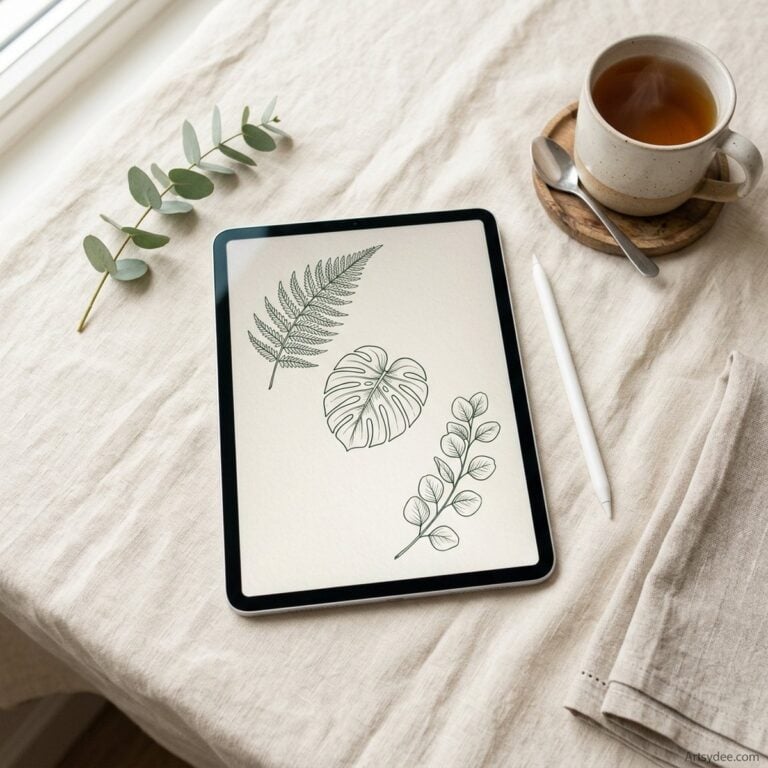
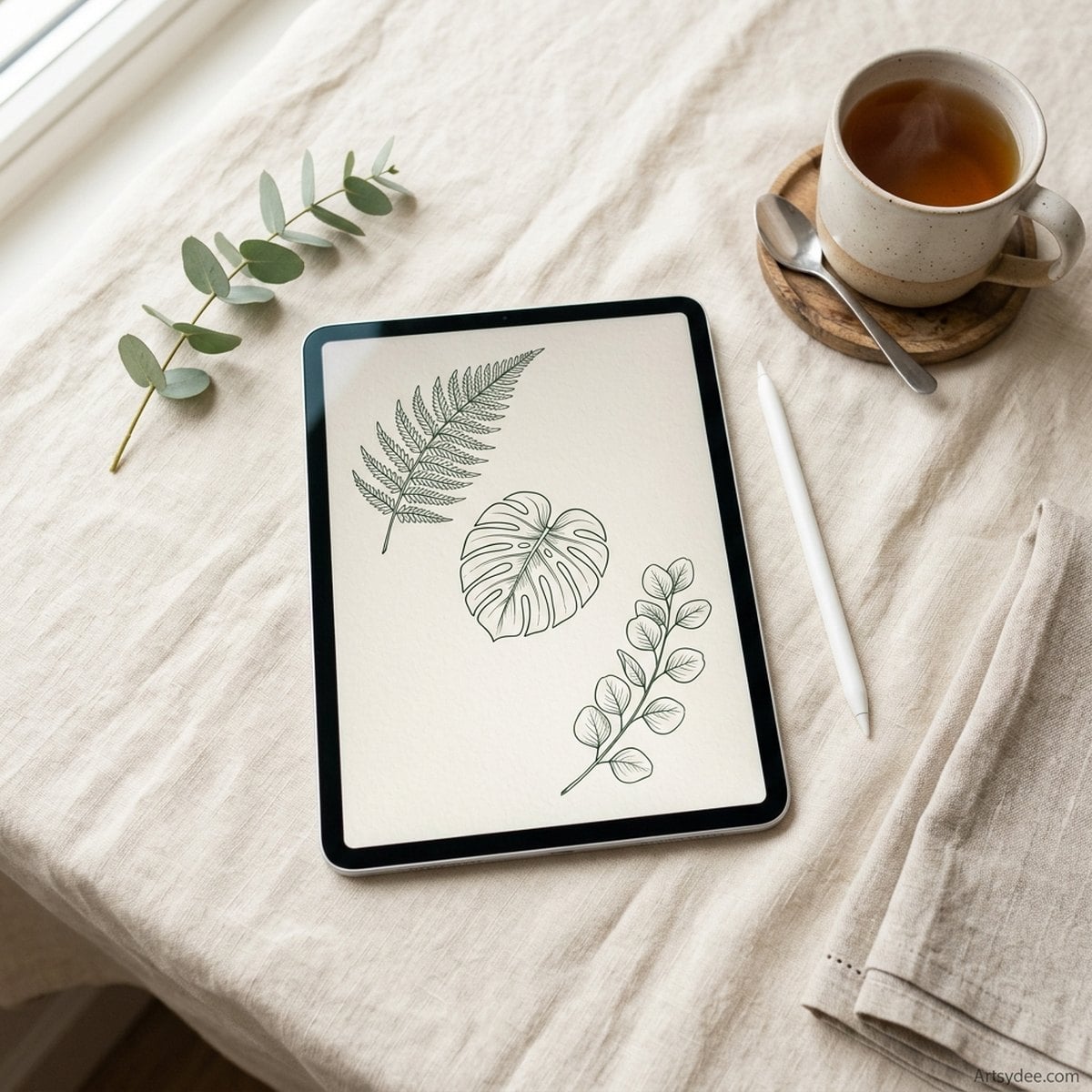
Five stamp brushes, delivered as a proper .brushset file that installs itself when you tap it: Bell Jar Cloche, Eucalyptus Branch, Fern Frond, Monstera Leaf and Watering Can.
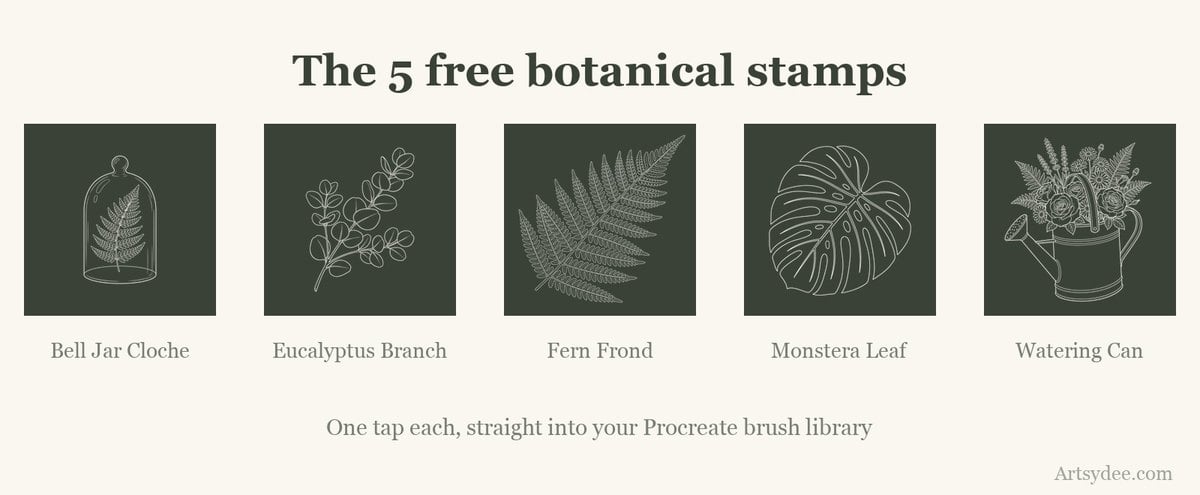
These are not filler shapes drawn for a giveaway. They are five of the eleven stamps from my paid Secret Greenhouse collection, lifted out unchanged, so what you get is the same line quality as the set people pay for. They are free for personal use and for finished work you sell — cards, prints, journal pages — but please do not pass the brush files themselves around.
If you already grabbed the form at the top of this page, the download is sitting in your inbox. If you scrolled straight past it, it is up there waiting.
How do you install a .brushset file in Procreate?
Tap the file. That is genuinely the whole thing — Procreate registers .brushset files on iPadOS, so a single tap opens the app and drops the whole set into your Brush Library. The complications only appear when the file arrives inside a zip, which is how most brush sets are delivered.
Here is the full run, from a download link to a brush you can paint with:
- Download the file on the iPad itself, not on a computer. Safari will drop it into your Downloads folder inside the Files app.
- Unzip it if it arrived as a .zip. In the Files app, one tap on a zip unpacks it into a folder beside itself. No extra app needed.
- Find the
.brushsetfile inside that folder. Individual brushes end in.brushand install one at a time; a.brushsetis the whole collection in one file. - Tap it once. Procreate opens and the new set appears at the top of your Brush Library.
- If tapping does nothing, press and hold the file, choose Share, and pick Procreate from the app row.
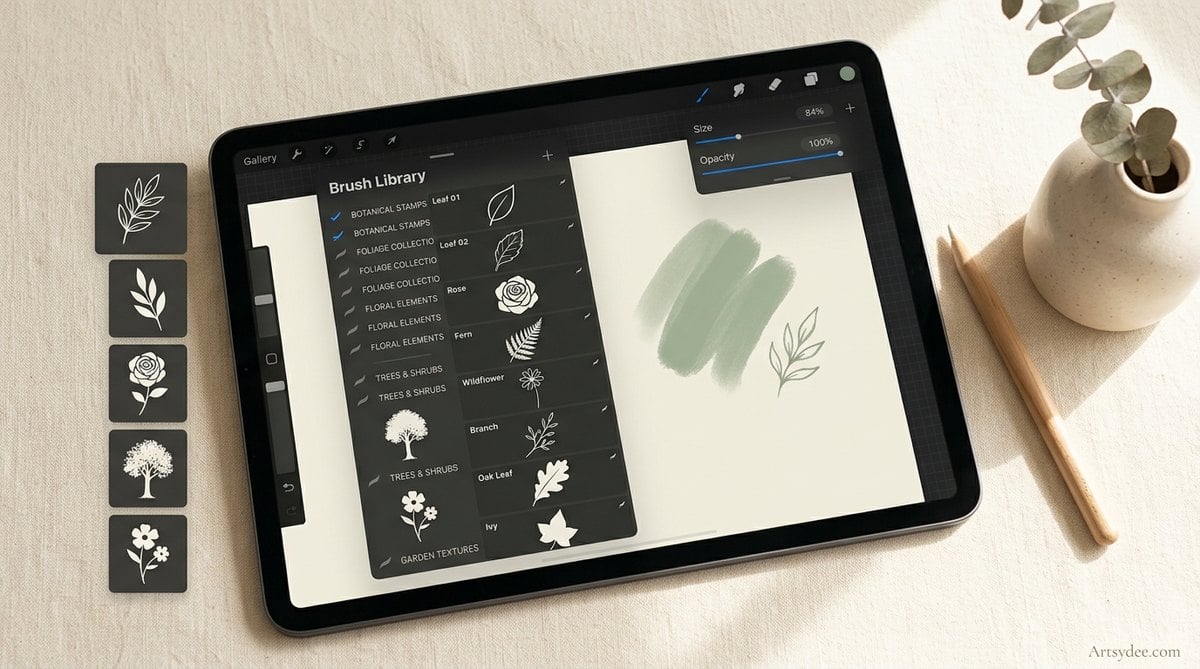
Two things trip people up more than anything else. The first is downloading on a laptop and then wondering why the iPad cannot see the file — AirDrop it across, or use iCloud Drive, and it will behave. The second is a set that installs but does not show up, which is almost always a case of the new set sitting at the very top of a long brush list, above the fold, where you are not looking.
If a set genuinely refuses to load, I wrote a longer troubleshooting piece on what to do when Procreate brushes will not load that walks through the usual causes.
What is the difference between a brush and a stamp brush?
A brush paints while you drag; a stamp brush lays down one complete shape with a single tap. They live in the same Brush Library and install the same way, but you use them completely differently.
The mistake almost everyone makes on their first stamp set is dragging. Drag a stamp brush across the canvas and you get a smeared line of overlapping copies rather than one clean shape. Tap once, lift, and you get the shape as drawn.
Size the stamp before you tap, using the size slider on the left of the screen — resizing afterwards means transforming the pixels, which softens the edges. And put each stamp on its own layer if you might want to move it later. It costs nothing and saves an enormous amount of undoing.
Stamps are what make botanical and ephemera work so fast. If that is the direction you are heading, my guide to using Procreate stamps goes deeper into composition, and the free Procreate colour palettes pair nicely with the botanical sets above.
What do you actually need to draw on an iPad?
A tablet that runs Procreate and a pressure-sensitive stylus. Everything after that is comfort, not capability, and you can add it slowly.
That said, three things genuinely changed how long I can draw in one sitting, and they are the only accessories I would bother recommending. Links below are affiliate links, which means I earn a small commission if you buy through them at no extra cost to you — I have only listed things already on my own desk.
| What | Why it matters |
|---|---|
| Apple Pencil | Pressure and tilt are what make textured brushes behave like real media. A cheap capacitive stylus cannot do either, and every brush on this page will feel flat without them. |
| Matte screen protector | Adds a little tooth to the glass so the nib does not skate. It also cuts glare, which matters more than you would think if you draw near a window. |
| Adjustable tablet stand | Drawing flat on a desk is what wrecks your neck. Any stand that tilts to roughly 30 degrees fixes it. |
| Two-finger drawing glove | Stops your hand dragging on the screen and leaving smudges through the palm rejection. Under ten pounds and oddly transformative. |
Where can you find more Procreate brushes after these?
Once you have worked through the free sets, the honest answer is that you start paying for the ones you use every day — and the artists on this list are exactly the people worth paying.
I also make new brushes, stamps and palettes every month for my Patreon. Members get the full stamp collections rather than the samplers, plus the watercolour templates and colour palettes I build alongside them. It is the easiest way to keep your library growing without hunting for downloads that may or may not still exist.
A few of my own hand-drawn stamp sets. If you liked the botanical samplers, I also sell some small stamp sets in my shop. Each one installs just like the free sets above:
- 30 Rose Procreate Stamps: everything from tight little buds to big open blooms. Lovely for cards, floral patterns and tattoo-style designs.
- Lips Stamps for Procreate: 20 hand-drawn lips in different positions, so you can pick one that suits the angle of your portrait, then recolour and resize it.
- 35 Shape Stamps for Procreate: circles, stars, triangles and a few more ornate shapes. Handy building blocks for posters, cards and logos.
If you would rather stay in the free lane a while longer, the rest of my Procreate tutorials and resources are all here, and the Procreate watercolour templates give you something to test your new brushes on.
Frequently asked questions
Are free Procreate brushes safe to download?
Yes, from a reputable source. A .brushset is a bundle of images and settings, not executable code, so it cannot carry a virus in the way a program can. The risk is not malware, it is wasted time on dead links and mislabelled files — which is why every set on this page was opened and checked rather than copied from another list.
Can I use free Procreate brushes for work I sell?
Usually, but you must check each set. Many of the artists above explicitly allow commercial use, several are silent on it, and a few restrict it to personal projects. The licence text is normally on the download page or in a readme inside the zip. When a set says nothing at all, assume personal use and email the artist — most reply, and most say yes.
Why will my new brush set not show up in Procreate?
Nine times out of ten it did install and it is sitting at the very top of your Brush Library, above the sets you are used to scrolling past. Scroll all the way up before you assume anything failed. If it truly is not there, check that you tapped the .brushset file itself and not the zip it arrived in.
How many brushes should I actually keep?
Far fewer than you will download. Most working illustrators use somewhere between five and fifteen brushes for the vast majority of their work. Install generously, then be ruthless — delete the sets you have not touched in a month, because a tidy library is faster to work in than a complete one.
Do I need the newest iPad to use these?
No. Every set here works on any iPad that runs Procreate, though a couple of the more recent packs ask for Procreate 5.2 or newer, which is noted where it applies. Older iPads handle large textured brushes at big canvas sizes less happily, so if things feel sluggish, drop your canvas resolution before you blame the brushes.
That is the lot — 47 free sets from other artists, plus five botanical stamps from me. Install three of them properly rather than thirty of them badly, and your library will be better for it by the weekend.