Last Updated on October 13, 2026 by Dee
This step-by-step guide shows how to import a PDF junk journal kit into Procreate, plus free Autumn Junk Journal Tester Pages from my Cozy Reflections kit to try.
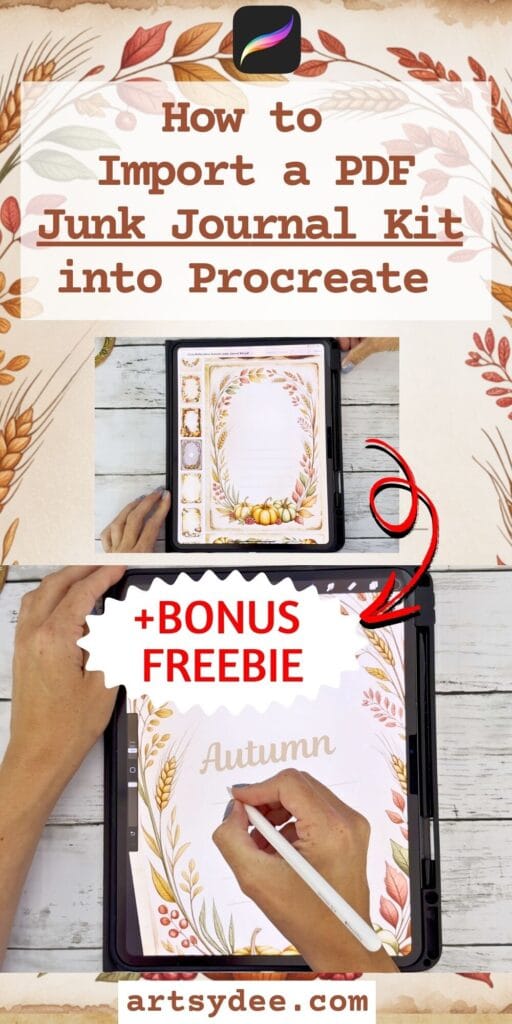
Are you wondering how to import a PDF junk journal kit into Procreate? ✨ In this tutorial, I’ll show you exactly how I take a junk journal kit from my iPad Files and move it into Procreate — using simple screenshot and editing techniques.
Whether you’re new to digital junk journaling or looking for ways to use printable kits creatively, this guide will help you get started. Plus, I’ve included a freebie sampler page you can download and try out right away!
Table of Contents
Watch the Full Video Tutorial
You can follow along step-by-step by watching my YouTube video:
👉 Watch the tutorial on how to import a PDF junk journal kit into Procreate
Why Use Junk Journal Kits in Procreate?
Junk journaling doesn’t have to be limited to scissors, glue, and paper. By importing your PDF junk journal kits into Procreate, you can:
- Create digital junk journal spreads without printing
- Use fussy cuts, tags, and ephemera as digital layers
- Experiment with collages and layouts before committing to print
- Mix traditional and digital journaling for more creative freedom
Procreate is a powerful tool for artists, scrapbookers, and journal lovers — and learning this workflow makes it even more versatile.
How to Import a PDF Junk Journal Kit into Procreate
Here’s the exact method I use in my video tutorial:
- Open your PDF kit in Files (or Books app) on your iPad
Navigate to the folder where you’ve saved your junk journal kit. - Take a screenshot of the page you want to use
(This is the easiest way to bring in pages quickly.) - Edit and crop the screenshot
Remove extra white space so only the page or element remains. - Import into Procreate
Open Procreate, create a new canvas, and insert your cropped screenshot. - Organize in layers
Place different elements (like ephemera, tags, or fussy cuts) on separate layers so you can move and resize them easily.
This process lets you treat your junk journal kit like a digital collage pack, ready for endless creative play.
Free Junk Journal Sampler
Want to try this out with a free kit? 🌸
👉 Download your free sampler page from my Cozy Reflections Junk Journal Kit here: Free Cozy Reflections Sampler
It’s a great way to test this workflow before diving into full kits.
Get the Full Cozy Reflections Junk Journal Kit
If you enjoy the sampler, you can find the complete Cozy Reflections Junk Journal Kit here: Full Kit on Payhip
The kit includes printable pages, tags, labels, and ephemera — all perfect for digital or printed journaling.
Final Thoughts
Learning how to import a PDF junk journal kit into Procreate opens up a whole new world of creativity. You can layer printable ephemera, resize fussy cuts, and build entire journal spreads digitally.
This method is quick, fun, and gives you flexibility to create without using up paper or printer ink — perfect if you love both traditional and digital art.
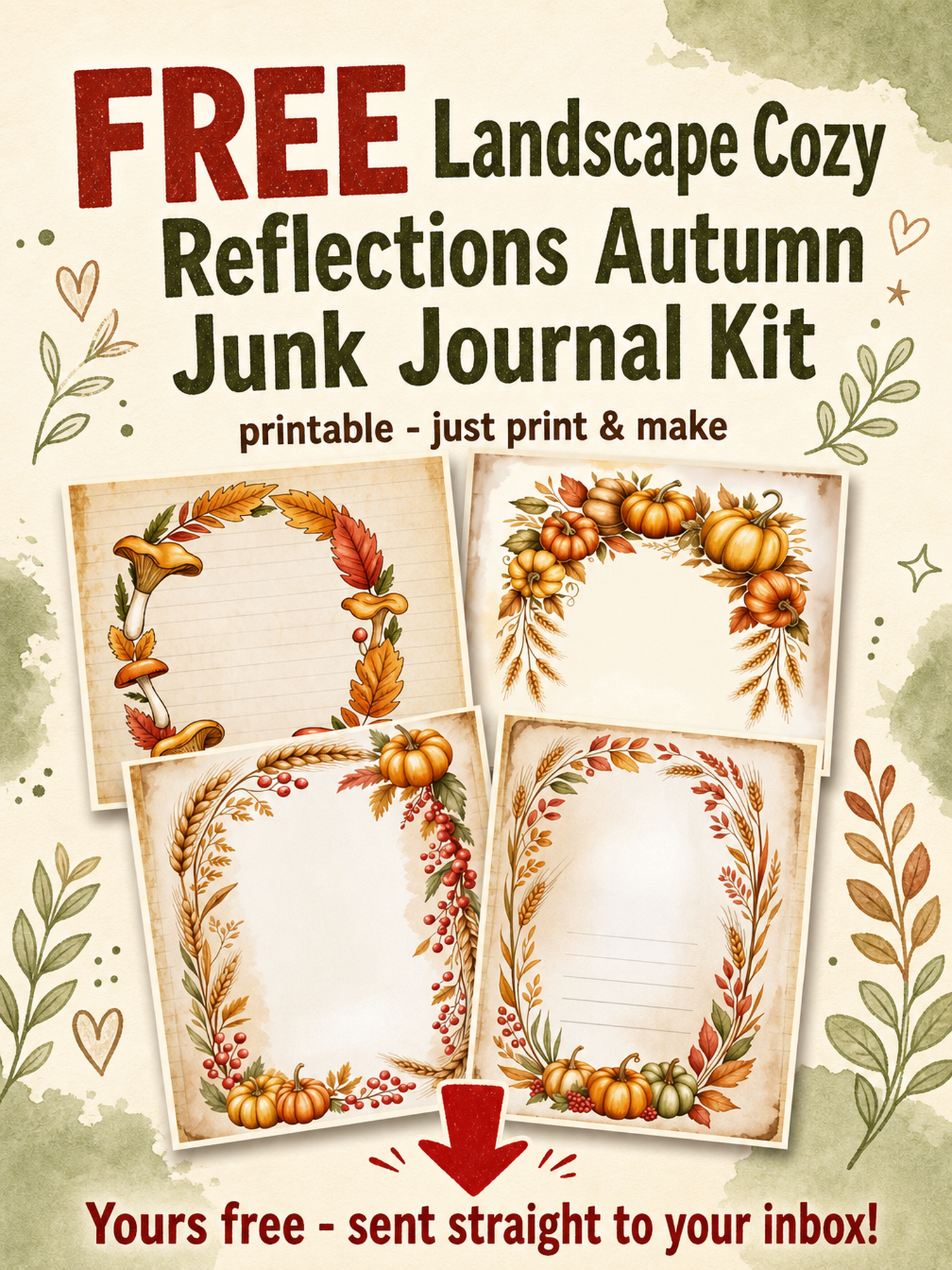
Grab the Free Printable Autumn Junk Journal Tester Pages from my full kit
👉 Pop your email into the box near the top of this post and I’ll send these straight to your inbox — free!
Love These Junk Journal Pages? Get Even More Exclusive Creative Goodies in my Junk Journal membership! 🎨
Join the Artsydee Creations Club Community? As a member, you’ll gain access to exclusive printable Junk Journal kits and resources like this one! Plus, you’ll get sneak peeks at upcoming projects and have a say in what content I create next. ✨
Join today and unlock premium resources to take your creativity to the next level!
Importing a PDF Junk Journal Kit into Procreate: FAQ
How do I import a PDF junk journal kit into Procreate?
The quickest way is to open your PDF kit in the Files or Books app, screenshot the page you want, then crop out the extra white space. Bring that cropped screenshot into a new Procreate canvas and place each element on its own layer. That’s the exact method I walk through in the video tutorial in this post.
Is there a free kit I can practise with?
Yes — there’s a free sampler page from my Cozy Reflections Junk Journal Kit that you can grab right in this post. Just pop your email into the box near the top and I’ll send the free Autumn tester pages straight to your inbox. It’s a lovely low-stakes way to test the workflow before buying a full kit.
Why bring a printable kit into Procreate instead of printing it?
Going digital lets you build whole spreads without scissors, glue or printer ink, and you can resize and rearrange fussy cuts endlessly before committing. You get to experiment with layouts, then print only your favourite. It’s perfect if you love both traditional and digital journalling.
Do I need to keep every element on separate layers?
It really helps. Placing tags, ephemera and fussy cuts on their own layers means you can move, resize and rotate each piece independently, just like a digital collage pack. Merge them down only once you’re happy with the arrangement.
Where can I get the full Cozy Reflections kit?
The complete Cozy Reflections Junk Journal Kit lives on my Payhip shop, and it includes printable pages, tags, labels and ephemera for digital or printed journalling. The free sampler gives you a taste of the style first. If you enjoy the tester pages, the full kit is the natural next step.
What is the Artsydee Creations Club?
It’s my junk journal membership where you get exclusive printable kits and resources like this one on a regular basis, plus sneak peeks and a say in what I make next. Membership is £8/month (~$10) through the Creations Club. It’s the best-value way to keep your kit library growing.
Do I need an iPad and Apple Pencil for this?
You’ll need an iPad running Procreate, but for this screenshot-and-import method an Apple Pencil is optional — your finger works fine for cropping and moving pieces around. A stylus just gives you more precision if you want to draw or write over your spreads. Everything in the tutorial uses tools already built into the iPad.