
Last Updated on October 9, 2026 by Dee
Here is how to use a coloring page on Procreate, step by step, plus free Procreate Coloring Pages to try it on.
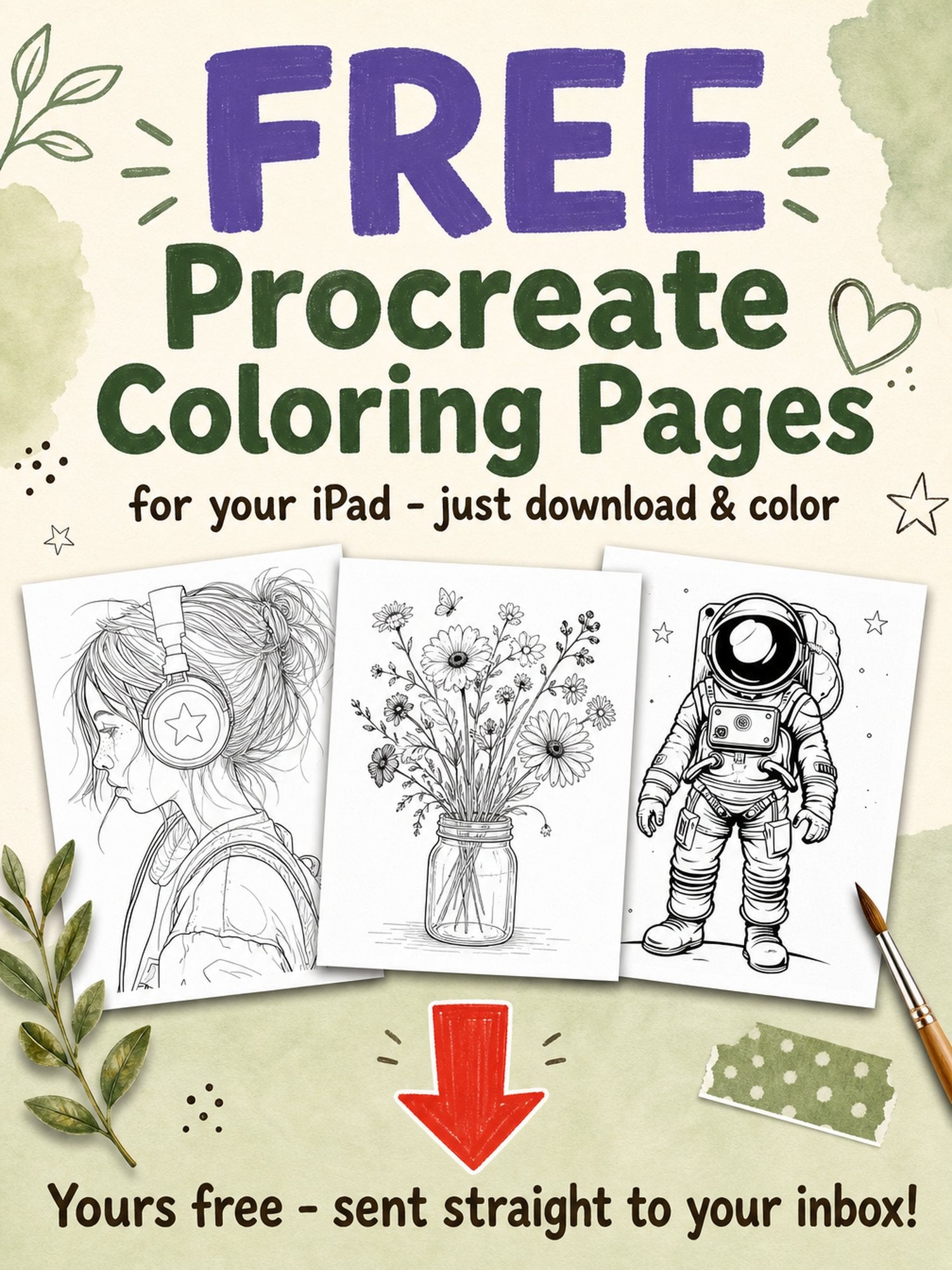
If you’re looking for a fun, relaxing, and creative way to unwind — or you’re just starting your digital art journey — learning how to use a coloring page on Procreate is a fantastic place to begin.
In this easy tutorial, I’ll guide you through exactly how to import, set up, and color a digital coloring page in Procreate so your outlines stay clean and crisp — just like traditional coloring books.
Whether you’re into digital journaling, sticker making, or simply love to doodle, this step-by-step method will help you make the most of your coloring pages in Procreate!
Table of Contents
💡 Want more digital drawing inspiration? Check out these Procreate tutorials!
Watch the Full Procreate Tutorial for How to Use a Coloring Page On Procreate! 👇🏻
What You’ll Need:
- An iPad with Procreate installed
- A coloring page (you can grab a free one here)
- Apple Pencil (or stylus of your choice)
- Optional: Custom watercolor brush for painting texture
Pin this for later!

Step 1: Set Up Your Canvas
Open Procreate and create a new canvas. I recommend using the default Screen Size or a custom size at 300 DPI if you’re planning to print your artwork later.
Step 2: Import Your Coloring Page
Tap the Actions menu (wrench icon) > Add > Insert a photo. Choose your coloring page from your Files or Photos.
Resize and center your image. Try to get it positioned exactly how you want it — resizing multiple times can cause slight image blurring.
Step 3: Set Up Your Layers
There are two types of coloring pages:
✔️ Transparent Background
- Create a new layer underneath the coloring page.
- You can now paint beneath the black outlines without affecting them!
✔️ Solid Background
- Still create a new layer underneath the coloring page.
- Tap the coloring page layer and set the Blending Mode to Multiply. This makes the white background transparent visually, so you can still color behind the outlines.
Step 4: Use the Reference Layer Method
Want to use the color drop method to quickly fill in shapes?
Here’s how:
- Tap on the coloring page layer and select Reference.
- Create a new layer underneath.
- Use the color drop tool to drag colors into each section of the design. The outlines on the reference layer will contain the fill.
This is great for creating a neat base layer of color. Then you can add details and shading on top!
Step 5: Add Texture with Clipping Masks
If you want your coloring to feel more painterly, here’s how to add texture:
- Create a new layer above your color-fill layer.
- Set this new layer to Clipping Mask.
- Use a textured brush (like my custom watercolor brush) to add shadows, highlights, and subtle color variation.
This is also where you can play with tapered brushes for a more refined look.
Step 6: Change the Color of the Line Art (Optional)
Don’t love the bold black outlines? You can recolor them easily:
- Create a new layer above the coloring page layer.
- Set it to Clipping Mask.
- Paint over the lines with any color you want!
Try a soft brown or a gentle grey for a more delicate, hand-drawn effect. You could even go all-out and create a white-outline look — like in this white outline tutorial.
Bonus Tips for Procreate Coloring Fun ✨
- Want to experiment with shapes and patterns? Try mirroring your design for a cool symmetrical effect.
- Add hand-drawn elements with Micron pen-style digital brushes.
- Need some doodle ideas to decorate your background? Check out these cute & easy doodles to fill your canvas.
Final Thoughts
Using a coloring page on Procreate is such a simple and satisfying way to create beautiful digital art — even if you’re just starting out. With the right layer setup, tools, and a few creative touches, you can bring any coloring page to life.
🎁 Don’t forget to grab my free Orange Vase Coloring Page right here — perfect for practicing everything you’ve learned today!
If you want access to premium coloring pages, brushes, and templates, check out my Patreon membership here.
Let me know in the comments below if you’ve tried this technique — or if you want a tutorial on a specific Procreate feature next!
Happy creating 💛
— Dee
How to Use a Coloring Page on Procreate: FAQ
What do I need to color a page in Procreate?
Not much at all — an iPad with Procreate installed, an Apple Pencil (or any stylus you like), and a coloring page to work from. There’s a free one you can grab in the post to practise with. If you want a painterly finish, a textured or custom watercolour brush is a lovely optional extra.
How do I import a coloring page into Procreate?
Open a new canvas, then tap the Actions menu (the wrench icon), choose Add, and Insert a photo. Pick your coloring page from Files or Photos. Try to resize and centre it exactly how you want on the first go — resizing over and over can blur the image slightly.
How do I color behind the black outlines?
It depends on your page. If it has a transparent background, just make a new layer underneath and paint away — the outlines stay put. If it has a solid white background, tap the coloring page layer and set its Blending Mode to Multiply. That makes the white disappear visually, so you can colour on a layer beneath without touching the lines.
How do I use the color drop tool to fill shapes quickly?
Tap the coloring page layer and set it as your Reference layer, then create a new layer underneath. Now you can drag a colour into each section with ColorDrop and the outlines on the reference layer will hold the fill neatly inside the lines. It’s a fast way to lay down a clean base of colour before you add shading on top.
How do I add a painterly, watercolor texture?
Once your base colours are down, make a new layer above your color-fill layer and set it to Clipping Mask. Then use a textured brush — like a watercolour brush — to add shadows, highlights, and gentle colour variation without spilling outside your shapes. It’s what takes a flat fill to something that actually looks painted.
Can I change the color of the black line art?
Yes, and it’s a nice touch. Add a new layer above the coloring page layer, set it to Clipping Mask, and paint over the lines with any colour you fancy — a soft brown or gentle grey gives a more delicate, hand-drawn feel. You can even work towards a white-outline look if you want something really different.
Do I need to know how to draw to do this?
Not one bit — that’s the beauty of coloring pages. The outlines are already there, so you just bring the colour, and it’s a genuinely relaxing way to start your digital art journey. If you’d like more to work with, there are premium coloring pages, brushes, and templates over on my Patreon.